

For people using Microsoft Edge on Windows 10, two new Edge extensions have been added to the library – Mailtrack for Gmail & Inbox: Email tracking and Advance Password Manager.
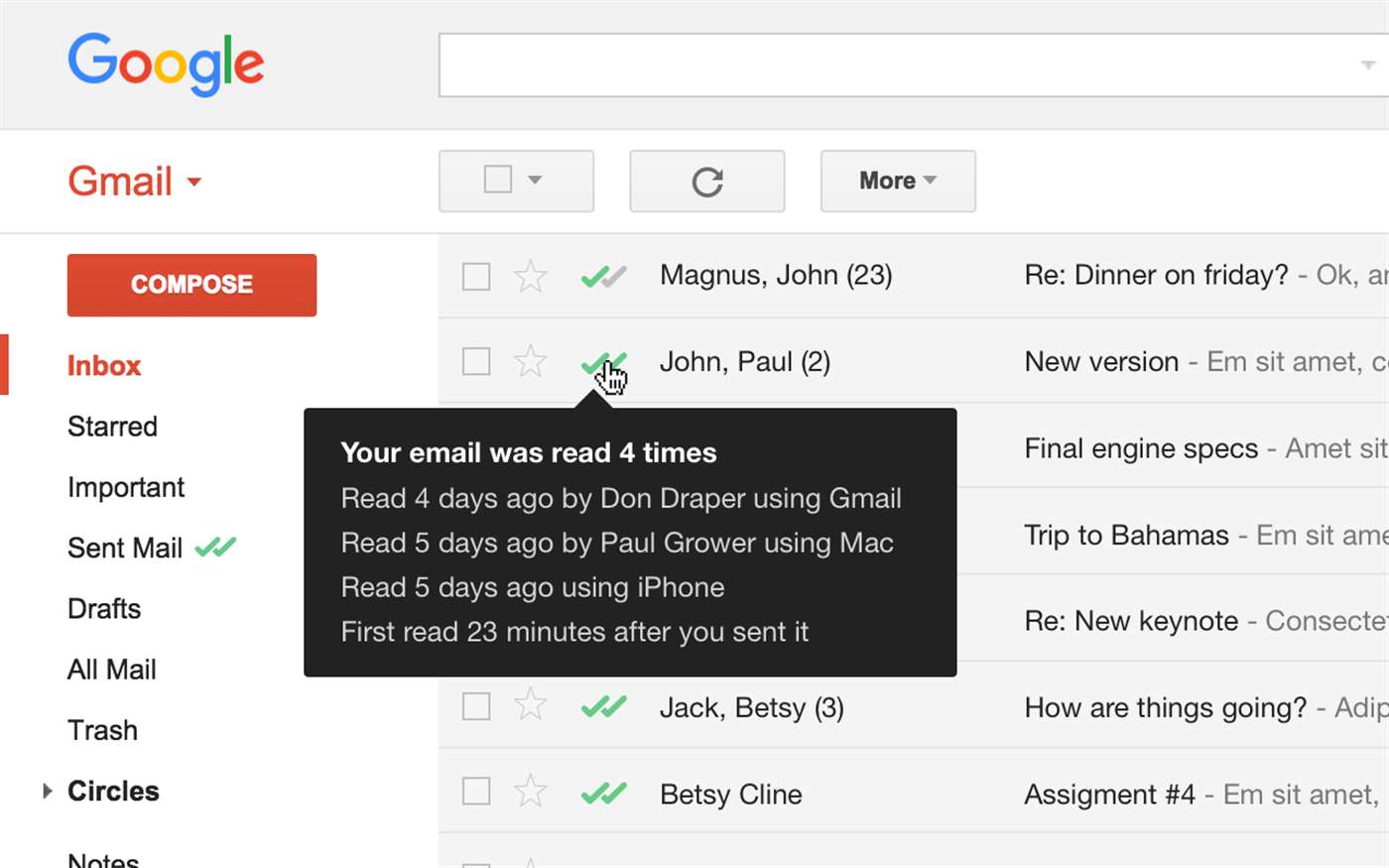
The Mailtrack for Gmail & Inbox: Email tracking extension is free and unlimited. It enables users to add email tracking for a Gmail account. This is useful if you (as a sender) want to keep track of a sent email and whether the recipient has received the email and/or sends a read receipt by marking messages with double check marks (✓✓) in your Gmail Inbox.
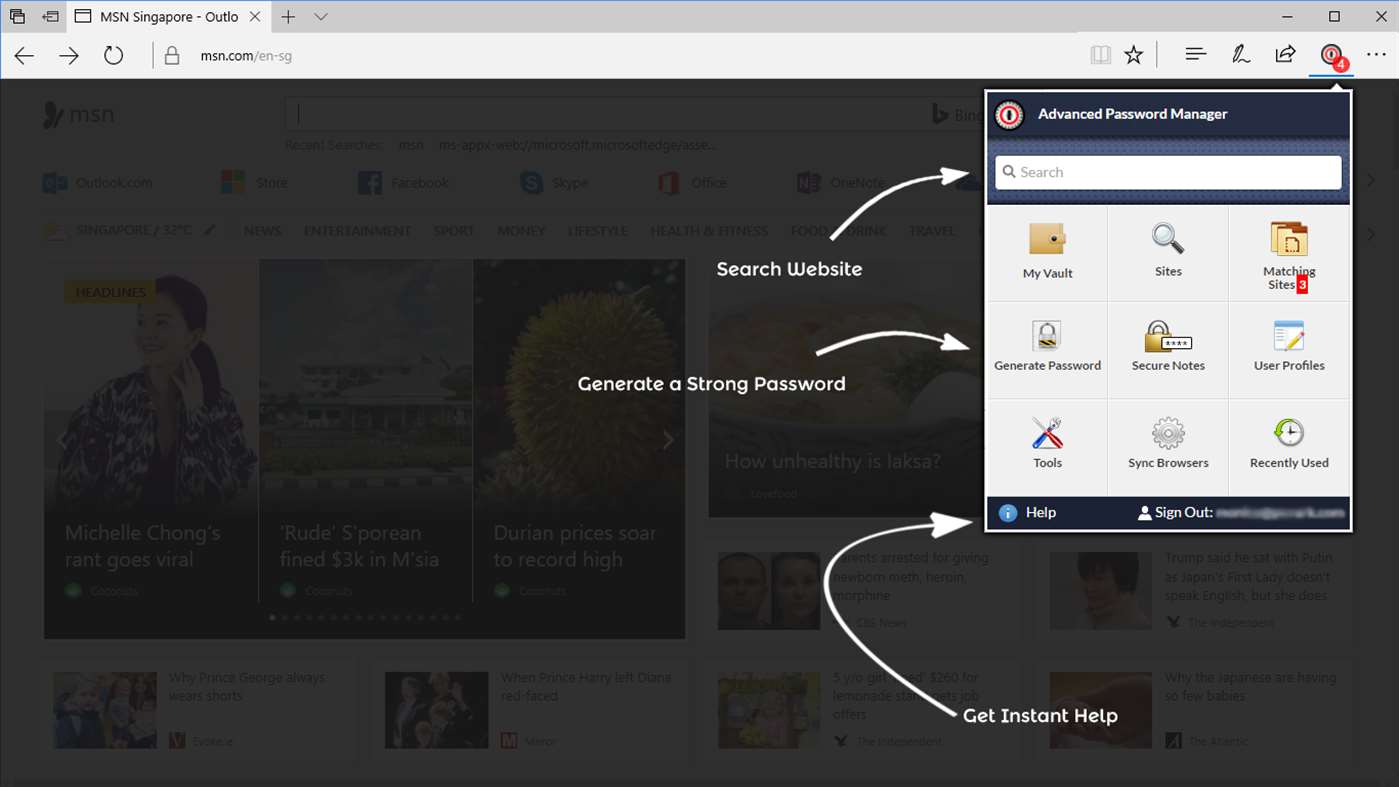
On the other hand, the Advance Password Manager is a brilliant and handy password management tool that lets you save your usernames & passwords and other important information to your digital vault so that it can auto-fill these details the next time you log in to your favorite sites.
Advance Password Manager features:
- Save login usernames & passwords
- Add notes
- Generate strong passwords
- Auto-fill details
- Quickly checkout on shopping websites by adding credit cards to your vault
- Organize your sites
- Create, edit, view and delete a profile.
- Sync your data across all major browsers
Find the Extensions in the Windows Store below.





