

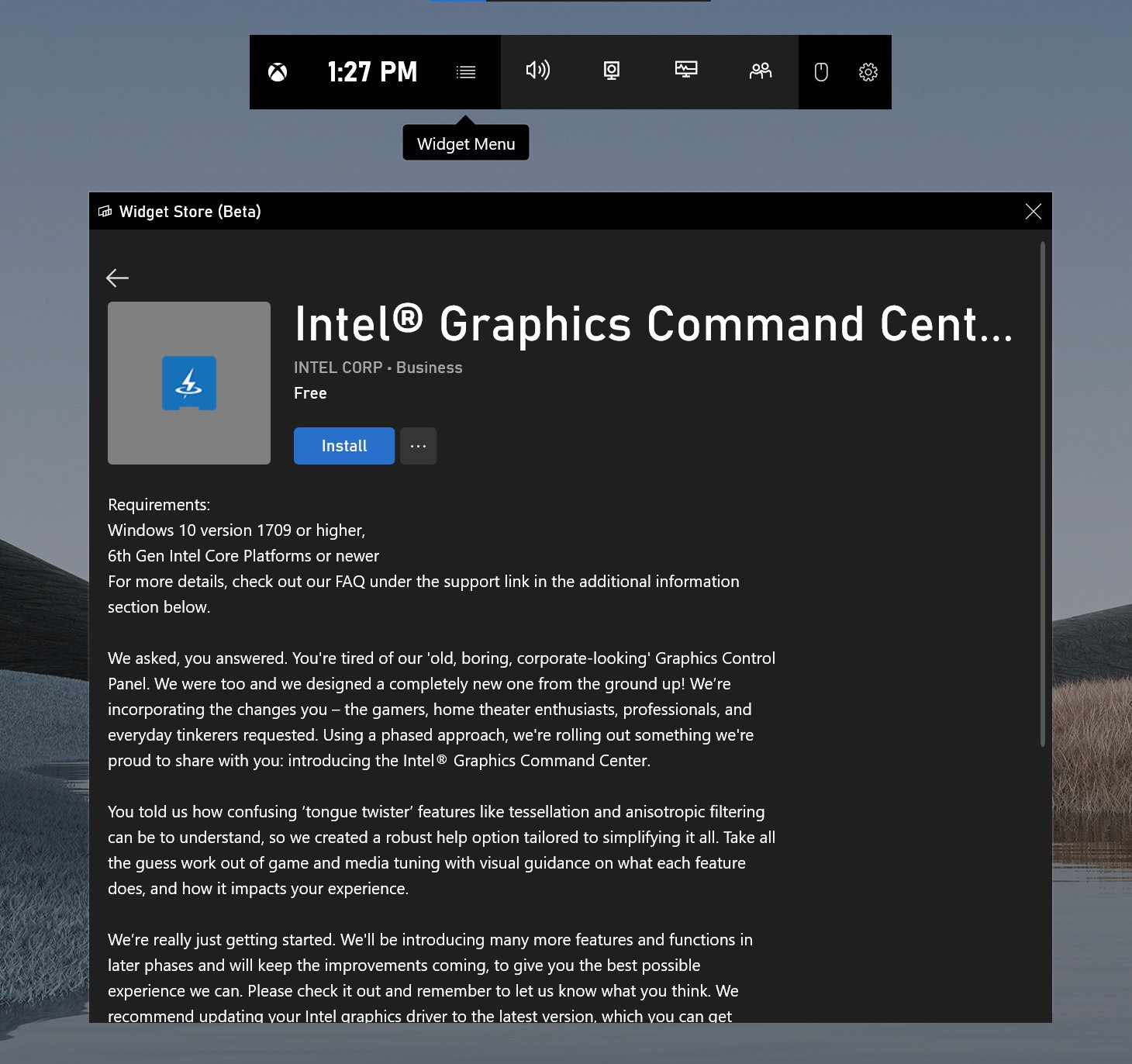
Intel® Graphics Command Center (Beta) application now supports the Xbox Game Bar on Windows 10.
You can install the particular app as a widget from the Microsoft Store or directly via the Xbox Game Bar control as shown in picture below. (Via ALumia_Italia)
In order to able to use the application, a user should be running Windows 10 version 1709 or higher on a 6th Gen Intel Core Platforms or newer.


 now supports the Xbox Game Bar on Windows 10. Download and Install from Microsoft Store.)